01
Recoverable item graves
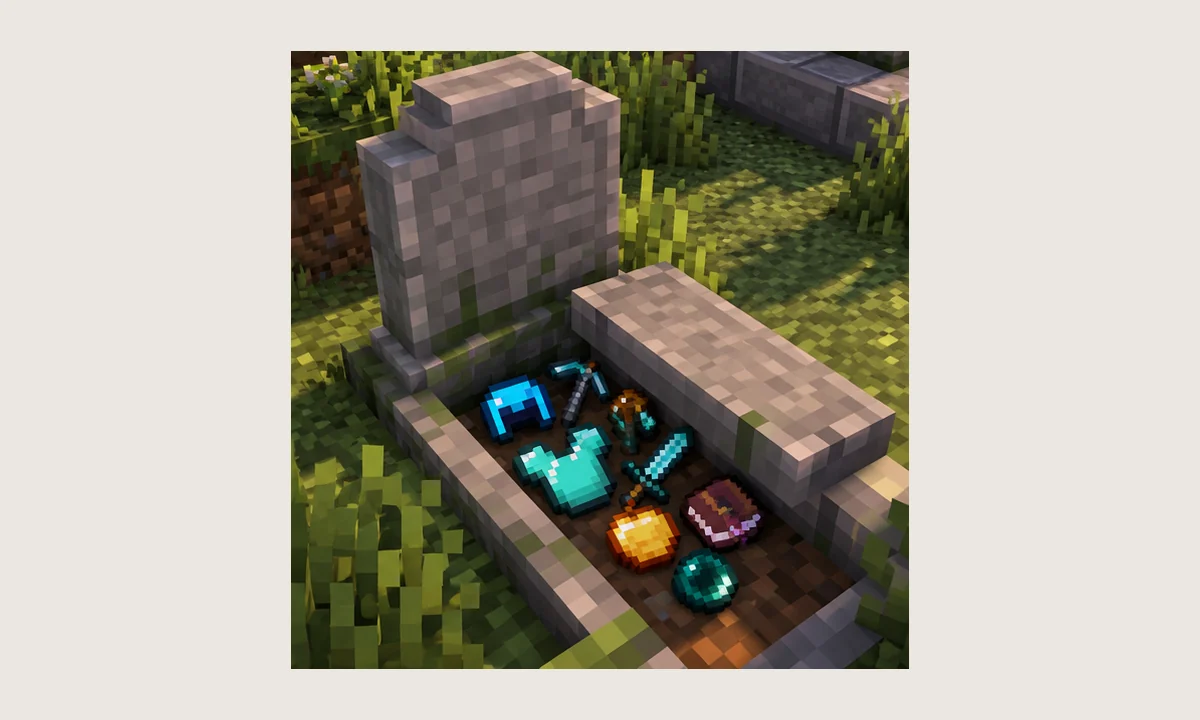
Player death can create a grave that stores carried items, giving the world a defined recovery point instead of relying on scattered drops.
A focused guide to the NightKosh “Gravestone mod - Graves” project: supported loaders, current release context, grave recovery behavior, installation checks, and practical troubleshooting for Java Edition worlds and servers.
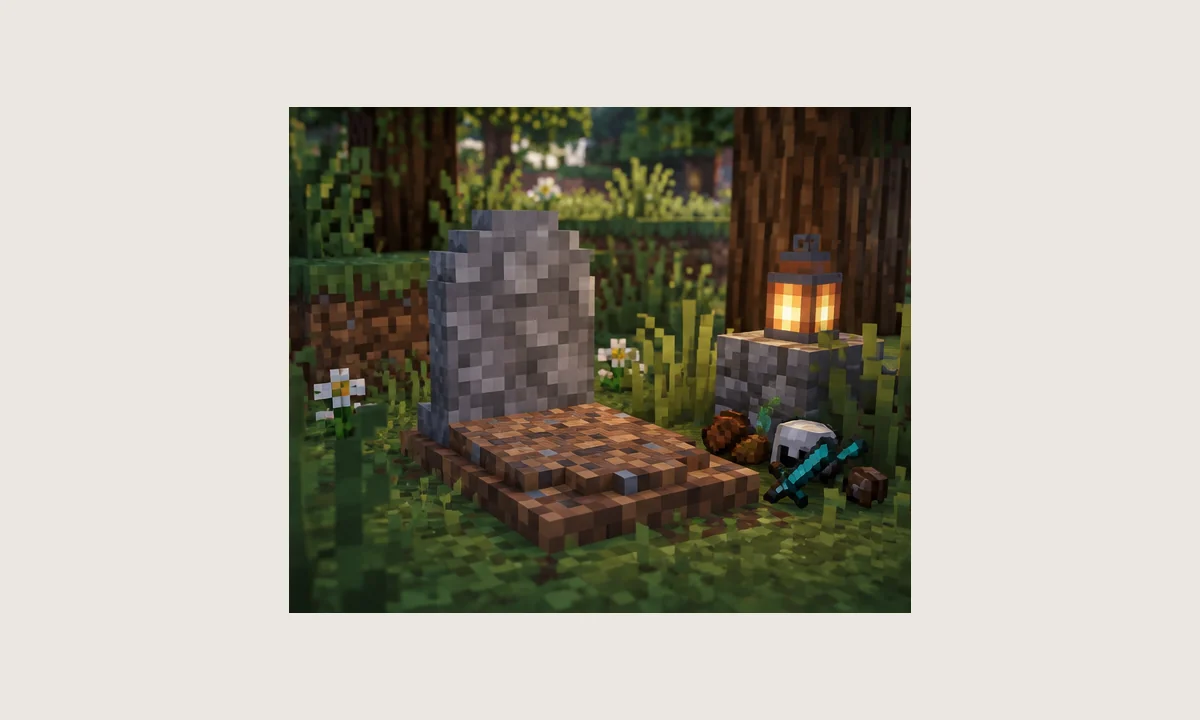
The public Graves project describes gravestones that spawn after supported deaths and retain items for recovery. Its current listings span modern NeoForge builds and historical Forge versions, so the Minecraft version, loader, and mod release must be treated as one compatibility set.
This website is an independent information resource. It does not claim to be the developer, publisher, or an official distribution platform.
The feature set is centered on recoverable graves, entity-aware death handling, decorative grave variants, and compatibility across different Minecraft generations.
Player death can create a grave that stores carried items, giving the world a defined recovery point instead of relying on scattered drops.
The public project description also lists grave behavior for villagers, dogs, cats, and horses, extending the memorial system beyond the player alone.
Current listings include NeoForge for modern releases and Forge for legacy lines, making loader matching essential before installation.
The project documentation describes craftable gravestones for decoration and a dedicated Chisel tool for creating grave-themed builds.
The project is listed for both client and server environments, so multiplayer setups should keep the exact game, loader, and mod versions aligned.
Graves focuses on the core grave system, while the wider project family separates additional content into modules such as Extended and Withered Lands.
The exact interaction can vary by build, but the basic flow remains straightforward.
The mod listens for the relevant death event in the game environment.
The build attempts to create a grave at or near the death location according to its rules.
Carried inventory is associated with the grave rather than simply being left scattered.
Return to the grave and use the recovery method supported by your installed version.
The current public listing shows the latest 1.4.9 main file for Minecraft 26.2 on NeoForge, while older branches include Forge releases such as the long-lived 1.12.2 line.
Fabric and Bedrock search terms may lead to different projects. A Forge/NeoForge build does not become a Fabric or Bedrock build simply because the names are similar.
Grave systems are most valuable when players want meaningful death consequences without losing track of equipment across a large world or modpack.
Download NowReturn to a known grave and recover equipment after an unexpected death.
Keep a consistent recovery mechanic for players when the same build is deployed correctly.
Evaluate how the grave system behaves alongside inventory, equipment, and death-related mods.
Use a build specifically made for the older Minecraft and loader combination rather than forcing a modern package.
Record the exact version used by your launcher profile or server.
Verify whether the target build expects NeoForge or a historical Forge environment.
Copy the world, mods, and config folders somewhere outside the active game directory.
For normal gameplay, use a compatible compiled JAR from a trusted distribution source. Use the ZIP on this site only when you specifically need the repository source archive.
This local ZIP contains a version-and-loader checklist plus a concise September 2026 project snapshot. It is included for offline reference and does not send you to any third-party website.
Download GraveStone Mod Reference PackThis reference pack is not a compiled mod JAR and does not contain the upstream source archive. For gameplay, use a compiled release that matches your exact Minecraft version and loader.
Back up important worlds before adding, removing, or updating gameplay mods. Match the exact Minecraft version and loader, avoid mixing similarly named projects, and do not treat a source-code ZIP as a compiled JAR. Test changes in a copy of the world before using them on a long-term save or live server.
Checked against public project information in September 2026. Release details can change, so verify the exact package before updating a live world.
Check the mod loader, Minecraft version, Java requirements, duplicate mods, and missing dependencies in the crash report.
Verify that the correct Graves build is actually loaded, then test placement in a clean world without other death-storage mods.
Look for a second grave or death-inventory mod and compare client/server mod lists to find overlapping functionality.
Understand source ZIPs, compiled JARs, loaders, and safe world backups.
Read guide →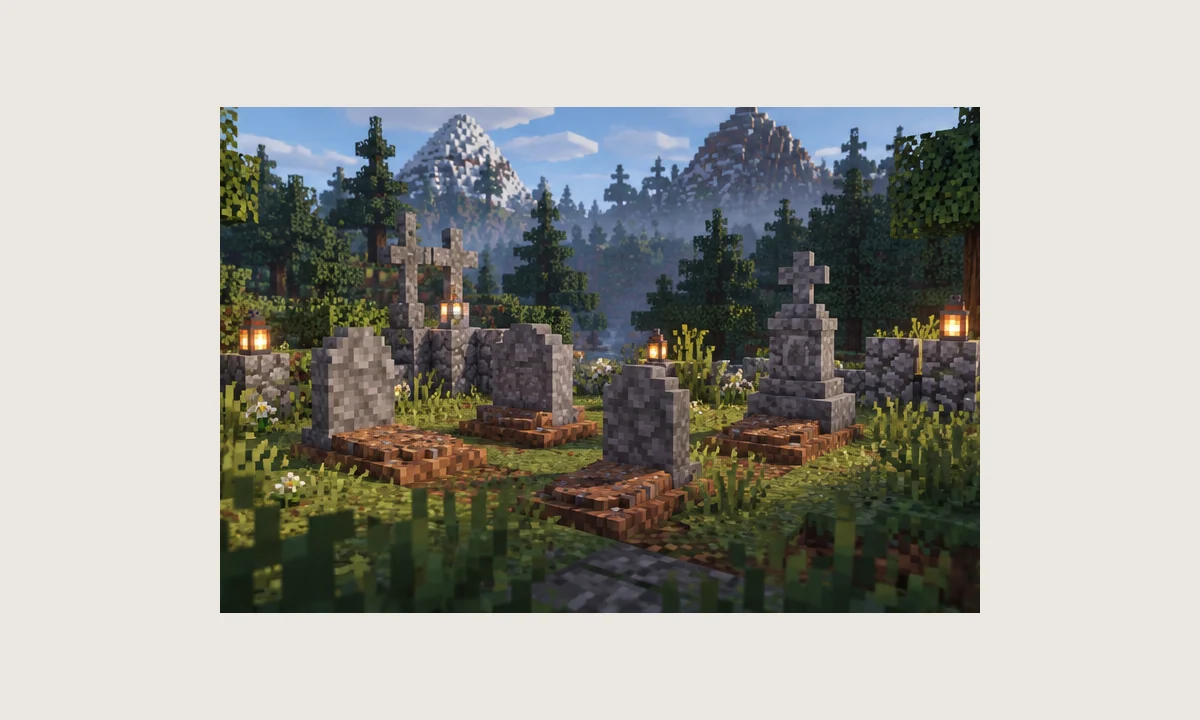
Why similarly named Fabric projects should not be confused with this NeoForge project.
Read guide →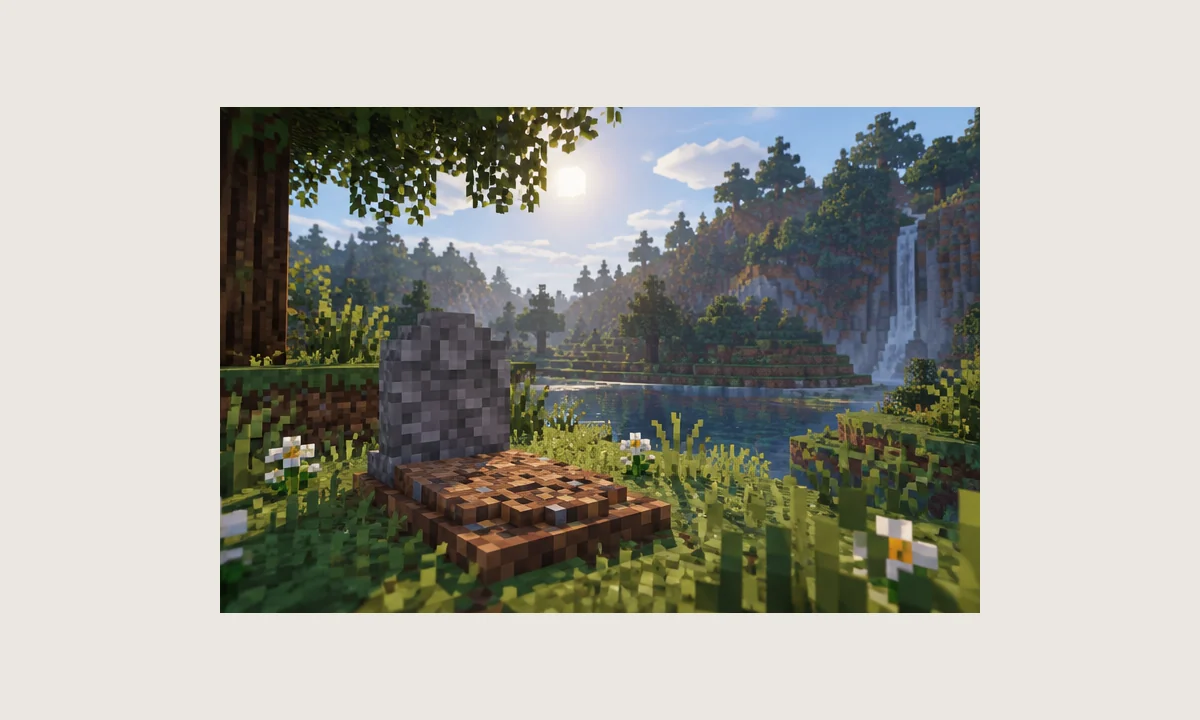
A version-first workflow for isolating startup, placement, and conflict problems.
Read guide →Only one answer is expanded at a time for faster reading on desktop and mobile.
Its core purpose is to create a gravestone after a player dies so carried items can be recovered from the grave instead of remaining scattered at the death location.
The current project branch is built around NeoForge. Older project files exist for Forge-era Minecraft versions, so the loader must be matched to the exact game version you run.
No. The site download is an offline reference ZIP with compatibility notes and a project snapshot. It is not a compiled mod JAR and is not the upstream source archive.
A public project release exists for Minecraft 1.21.11 under NeoForge. Always match the game version, loader, and mod build; do not substitute a Fabric build unless the project explicitly provides one.
The NightKosh Graves project referenced here is not presented as a Fabric build in its current project information. Fabric search results can refer to other gravestone mods, so verify the project name and loader carefully.
No Java mod loader package should be assumed to work on Bedrock Edition. The project referenced here is a Java Edition mod project designed around Java mod loaders.
RLCraft commonly uses Minecraft 1.12.2 and Forge. Historical 1.12.2 Graves builds exist, but compatibility depends on the exact modpack version and other installed mods. Test a backup copy before changing a modpack.
No for the core Graves functionality. The project was split so Graves handles the grave system while Extended contains additional content. Some older setups may use both.
For multiplayer, follow the requirements of the exact build and server pack. The project is listed as client-and-server software, so server operators should keep versions aligned across the environment.
Start with the Minecraft version, then identify the loader used by your profile or server, then choose the mod file built for that same combination. Mismatched loaders are a common startup-failure cause.
The mod's core behavior is to place a grave and store the player's items so they can be recovered. Exact recovery behavior can vary between versions and configuration settings.
Recovery behavior depends on the build. In many versions you interact with or break the grave to reclaim stored items. Check the version-specific configuration before relying on a particular method.
The mod identifier used in logs and configuration may appear as “gravestone” in many NightKosh builds. If you are troubleshooting, use the identifier shown by your exact installed file rather than assuming every version is identical.
Common causes include the wrong loader or game version, a conflicting mod, server-side configuration, a blocked placement location, or an incomplete installation. Test in a clean profile to narrow the cause.
Check that the mod build matches your Minecraft and loader versions. Also inspect the crash report for missing dependencies or duplicate/incompatible mods before removing unrelated files.
Behavior changed across project versions. Some historical releases added protections against powerful mobs, but you should verify the behavior in the specific build you are using.
The core grave system is lightweight in normal use, but large modpacks, many active graves, and incompatible add-ons can contribute to load. Measure performance in your own profile rather than assuming a fixed impact.
Back up the world first. Adding or removing gameplay mods can change saved data and interactions with other mods, so test on a copy before using it on an important world or server.
First confirm there is only one grave-type mod providing death storage. Then compare client and server mod lists, check configuration, and test with a minimal set of mods to identify conflicts.
Back up the entire world or server save plus the current mods and config folders. Keep the backup outside the active game directory so a failed update does not overwrite it.