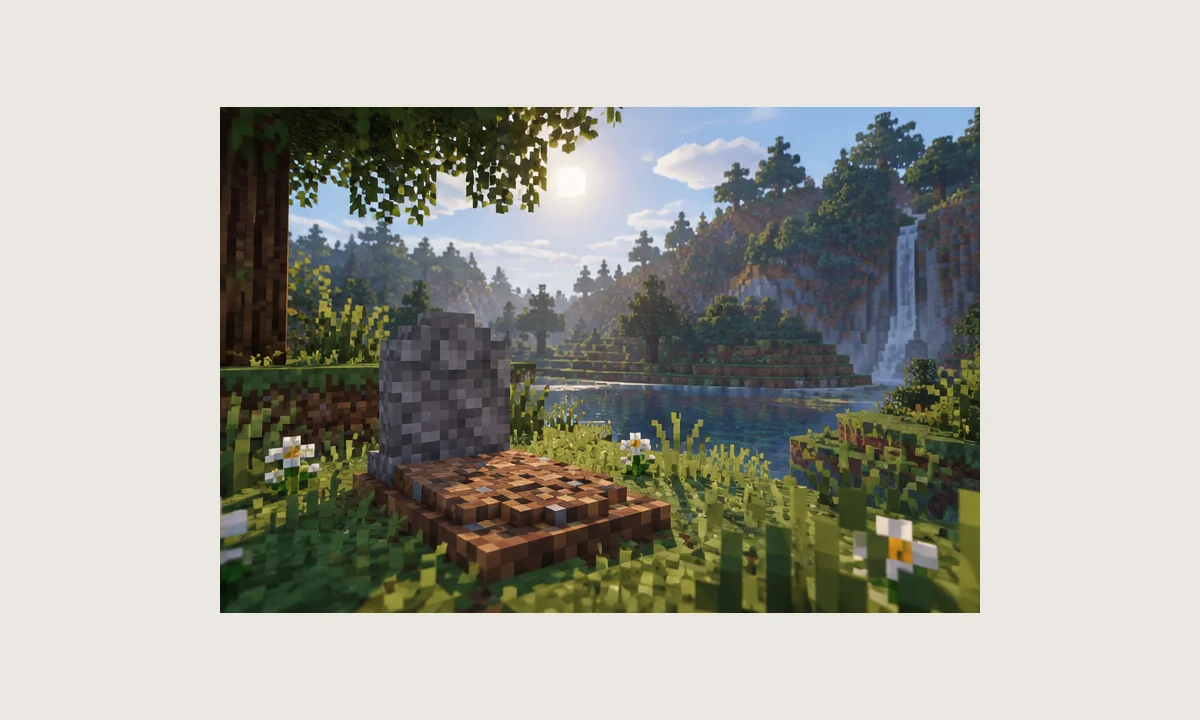
A safe installation starts before anything is copied into the mods folder. The most important step is identifying the package you actually have. The download button on this site retrieves the repository master branch as a ZIP source archive, which is not the same thing as a compiled gameplay JAR.
Step 1: identify your Minecraft and loader versions
Open the launcher profile or server configuration and write down the exact Minecraft version and loader. Modern NightKosh Graves development uses NeoForge, while historical builds may target Forge. A package built for one loader should not be treated as compatible with the other.
Keep the loader version information with your troubleshooting notes. When a crash report mentions missing classes or incompatible metadata, the exact version pair is usually the first thing to compare.
Step 2: back up the world and configuration
Copy the complete world or server save, the mods directory, and the configuration directory to a separate location. A backup that remains inside the active profile can be overwritten accidentally, so store it elsewhere.
This is especially important before changing loader generations or replacing multiple mods at once. A known-good snapshot gives you a reliable path back if startup or world loading fails.
Step 3: distinguish source code from a mod file
A repository ZIP usually contains source folders, Gradle files, and project metadata for developers. Minecraft does not load that ZIP as a normal mod JAR. Use the source archive only if you intend to inspect or build the project.
For normal play, you need a compiled mod package that explicitly matches the target game and loader. Because this website does not add third-party platform links, verify that package through the distribution method you already trust.
Step 4: test a clean profile first
Create a test profile with the correct loader and as few additional mods as possible. Start the game, create a temporary world, and confirm the grave behavior there before moving the file into a large modpack or production server.
If the clean test works and the full pack does not, add groups of mods back gradually. That narrows the search for conflicts much faster than changing random configuration values.