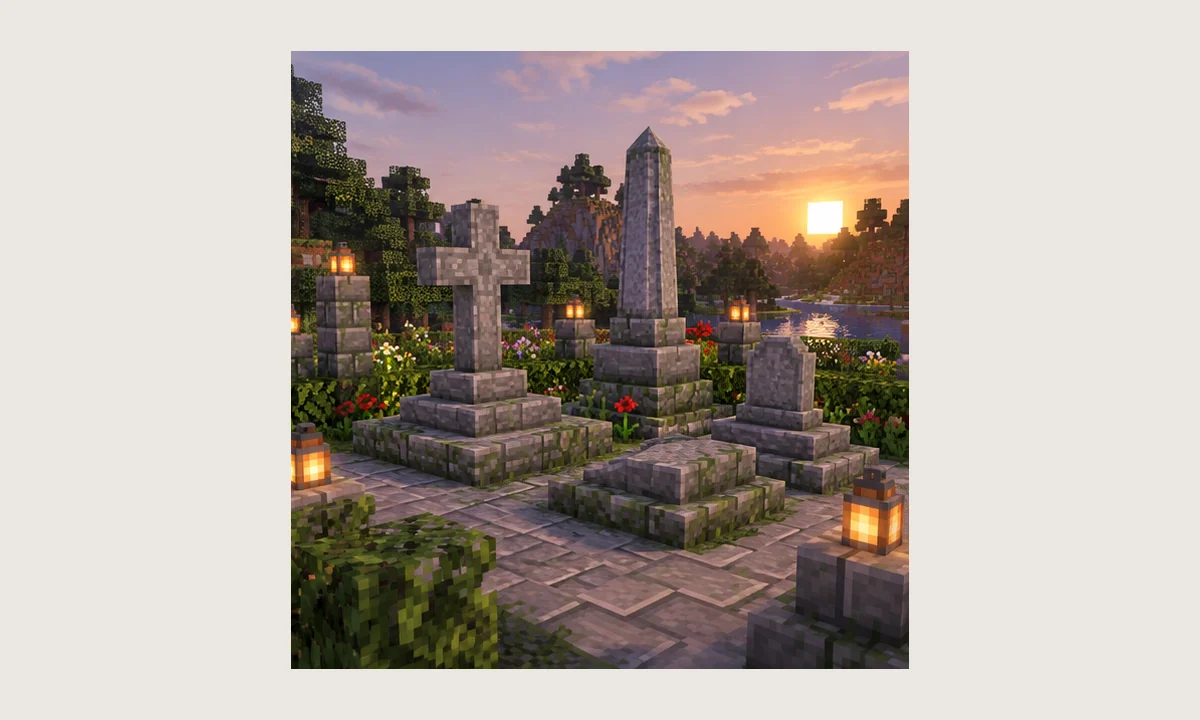
Searches for “GraveStone Mod Forge” often mix together several Minecraft eras. The NightKosh Graves project has historical Forge builds, while current development has moved to NeoForge. That history is useful, but it also means the mod name alone is not enough to choose a file.
Forge support is version-specific
Older Minecraft releases used Forge builds of the Graves project. If you maintain a legacy world or pack, the correct approach is to locate the historical build made for that exact Minecraft version rather than trying to load a modern file.
A modern NeoForge package should not be renamed or repackaged in an attempt to make it work on Forge. Loader compatibility is determined by the compiled code and metadata, not by the filename.
Server and client should agree
For multiplayer, keep the intended mod version aligned with the server environment and follow the requirements of the exact build. A server using one generation of the mod while clients use another can cause missing-content or handshake problems.
When troubleshooting, compare the mod lists from both sides. File names, versions, and loader families should be reviewed together.
Legacy modpack caution
Large Forge modpacks may include their own death handling, inventory extensions, or equipment-slot systems. A grave mod can interact with those systems, so a clean compatibility test is more reliable than assuming a pack will behave like vanilla Minecraft.
Keep a backup copy of the pack and world before replacing any existing grave-related mod. Removing one death-storage system and adding another can change how saved graves or inventories are interpreted.
A practical compatibility checklist
Confirm Minecraft version, Forge version, GraveStone build, Java version, and whether another mod manages death inventories. Then reproduce the problem in a small test world. This sequence removes the most common variables first.
If the game reaches the main menu but a grave fails in-world, the issue is different from a startup crash. Separate loader problems from gameplay conflicts to avoid chasing the wrong cause.